Get your Power BI IBCS(R) Color Theme for free
IBCS suggests that colors and fills should not be used for decorative purposes in the design of reports, statistics, and presentation materials. Instead, colors and fills should support the communication process, i.e. clarify the respective content. (R) IBCS.
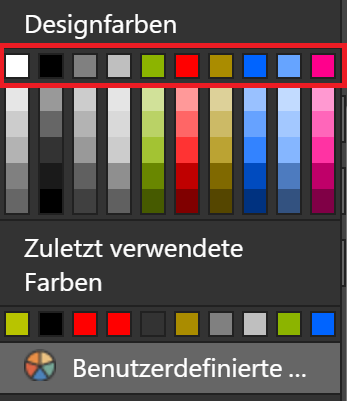
Since the standard Power BI theme does not fit the IBCS standard very well, I created a JSON file with the most important colors, which could look like this (expand):
{ "name":"IBCS",
"dataColors":["#808080", "#BFBFBF", "#8CB400", "#FF0000", "#AA8C00", "#0064FF", "#66A4FF", "#FF008C"]}
Get your free copy immediately by email; you are only seconds away…
Get your free copy immediately by email; you are only seconds away…
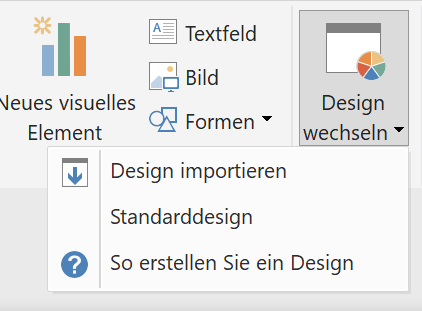
Requirements and detailed feature explanation: Power BI March 2017 Update
Direct download without registration: IBCS(R) Color Theme Download
Power BI Community Themes Report Gallery
[email-download download_id=”2061″ contact_form_id=”2171″]
- Black is used for the display of actual data.
- Medium gray is used for the display of previous year data.
- White is used for the display of plan and budget data (outlined).
- Red is used for variances with negative impact and for negative highlighting.
- Green is used for variances with positive impact and for positive highlighting.
- Blue can be used for highlighting actual data.
- Light blue can be used for highlighting previous-year data.
- Purple can be used for highlighting plan and budget data.
- Olive can be used for highlighting forecast data.
Download the Power BI IBCS(R) Color Theme without registration: IBCS(R) Color Theme Download or create your own here.
Update 13.03.2017: Lars Schreiber hat sich dem Thema hier noch intensiver gewidmet.